Module : Report (Vacation History)
Overview
The Vacation History Report allows administrators to view and download vacation records for each employee based on a selected period.
1. Listing
The Vacation History Listing displays all employees with available vacation records.
Each employee is shown in a separate row, with a [ View ] option to access their detailed vacation history.
1.1 Generate Vacation History Report
- Select a specific employee
- Click on [ View ]
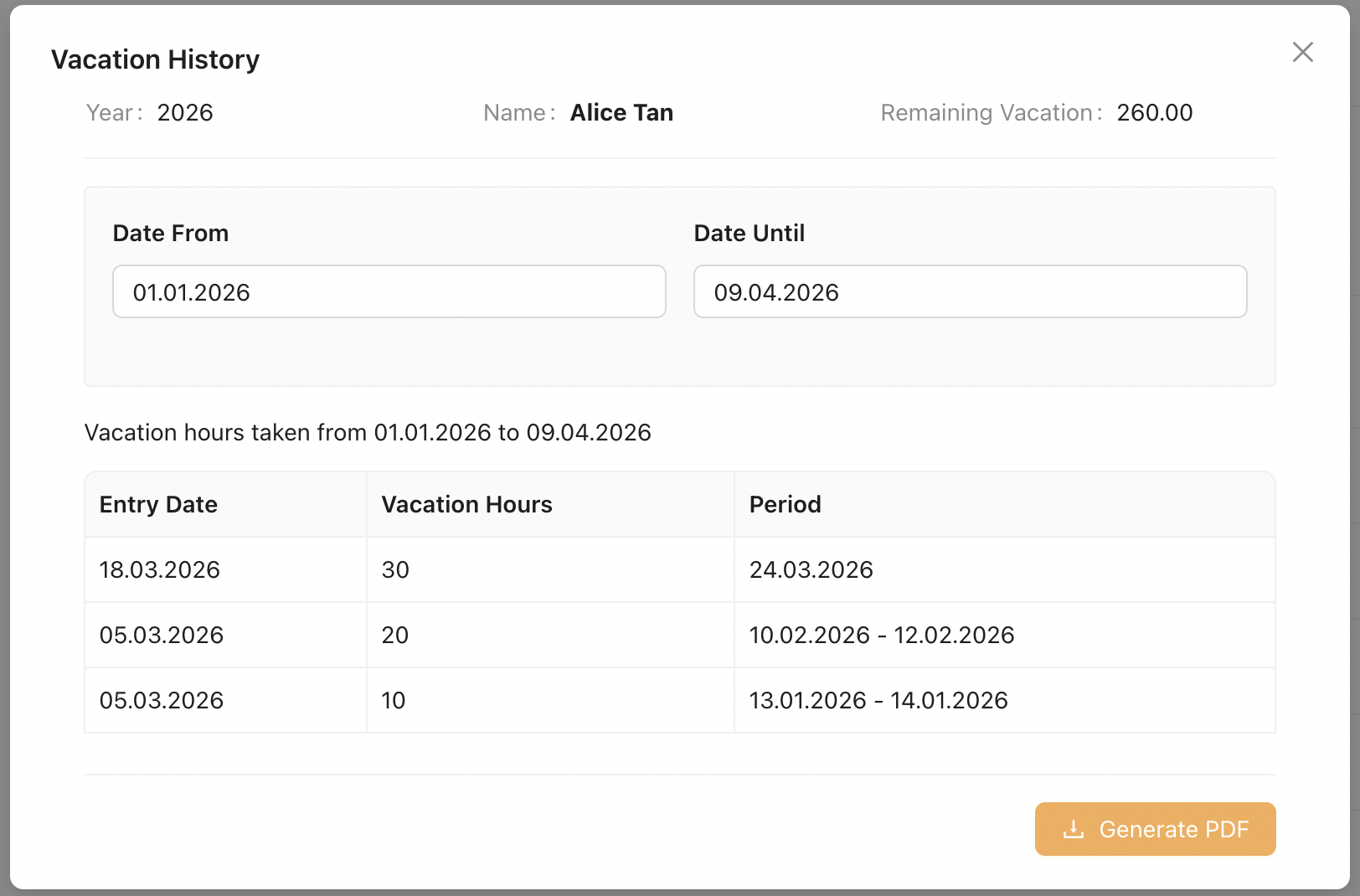
- Define the reporting period by selecting [ Date From ] and [ Date Until ]
- The Vacation History Report will be generated automatically
- Click [ Generate PDF ] to download the report as a PDF file
Screenshot of Vacation History Report