
Module : jSales
The jSales module in the Client Management Panel (CMP) is the central configuration hub for the jSales platform. It allows Administrators to configure the branding, user interface, and core settings that define the appearance and behaviour of jSales.
The module consists of the following configuration pages:
- Brand Settings – Configure the global branding and colour theme.
- HTML Code Editor – Manage location-specific HTML content.
- PDF Template Upload – Upload and assign PDF templates for Summary PDF generation.
- Location URL – Manage and access the jSales URL for each Location.
1. Brand Settings
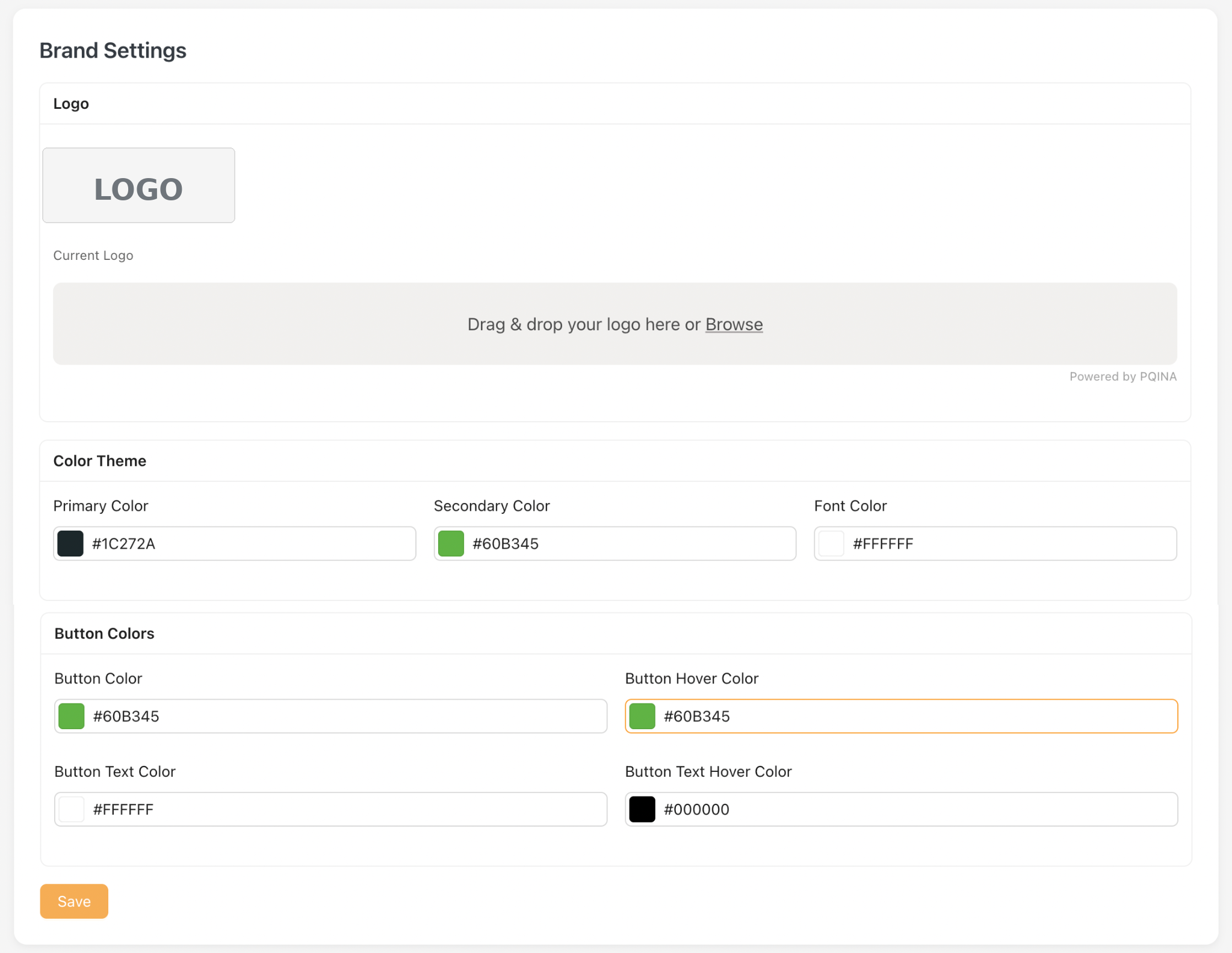
The Brand Settings page allows Administrators to configure the global branding and colour theme used throughout the jSales platform.
Changes made on this page are applied globally and will affect all Locations within jSales
1.1 Configurations.
The Brand Settings page consists of the following configuration sections:
- Logo – Upload the logo displayed across the jSales platform.
- Color Theme – Configure the primary, secondary, and font colours.
- Button Colors – Configure the default and hover colours for buttons and button text.
Below are areas where Primary and Secondary colour configurations take effect :