
Create Site Overlay
AThe site overlayOverlay ismodule aallows useradministrators interfaceto elementcreate pop-up overlays that appearsare displayed on topselected of a web page to display additional content or functionality without navigating away from the current page. It is often semi-transparent, allowing users to see partpages of the originalwebsite. Overlays can be configured with different display settings, including their size, position, display trigger, and active period.
Each overlay can be assigned to one or more pages. However, only one overlay can be displayed on a page inat theany background.given time.
An example of site overlay on one of conida's template :

Steps
to Create Sitea New Overlay
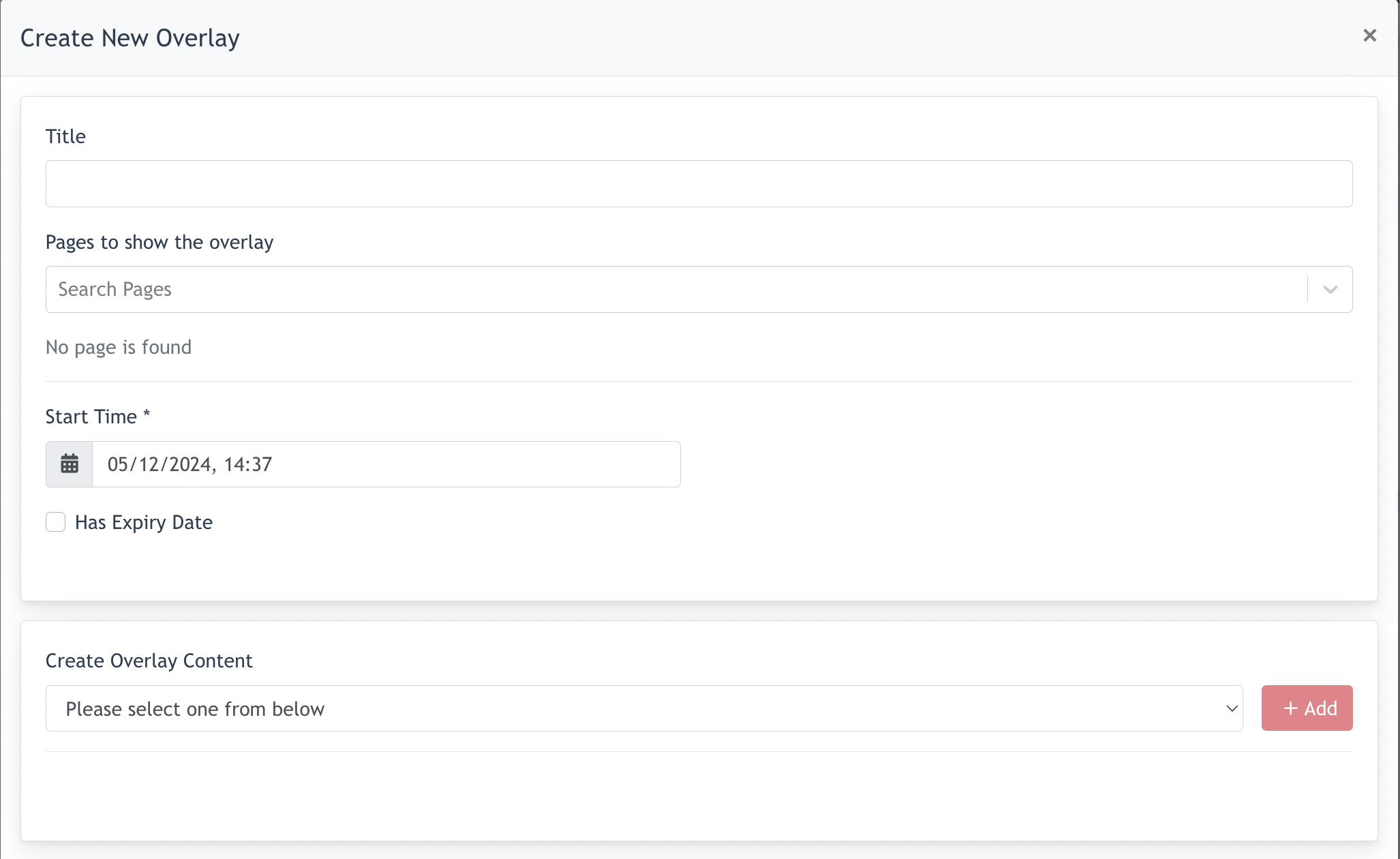
Click on "Create New Overlay"Overlay to open the overlay configuration window.

Thethe following modalsettings willbefore creating the overlay:
| Field | Description |
|---|---|
| Title | Enter a name to identify the overlay. This title is used for administration purposes only. |
| Pages to show the overlay | Select one or more pages where the overlay should be |
| Overlay Size | Defines the
|
| Determines |
|
| Specifies |
|
| Start Time | Defines when the overlay becomes active. |
| Has Expiry Date | Enable this option to specify an end date after which the overlay will no longer be |
| Create |
Select the content
|

After all required settings have been configured, click Submit to create the overlay outcome he desired.overlay.
- the end -