
Create Site Overlay
The Overlay module allows administrators to create pop-up overlays that are displayed on selected pages of the website. Overlays can be configured with different display settings, including their size, position, display trigger, and active period.
Each overlay can be assigned to one or more pages. However, only one overlay can be displayed on a page at any given time.
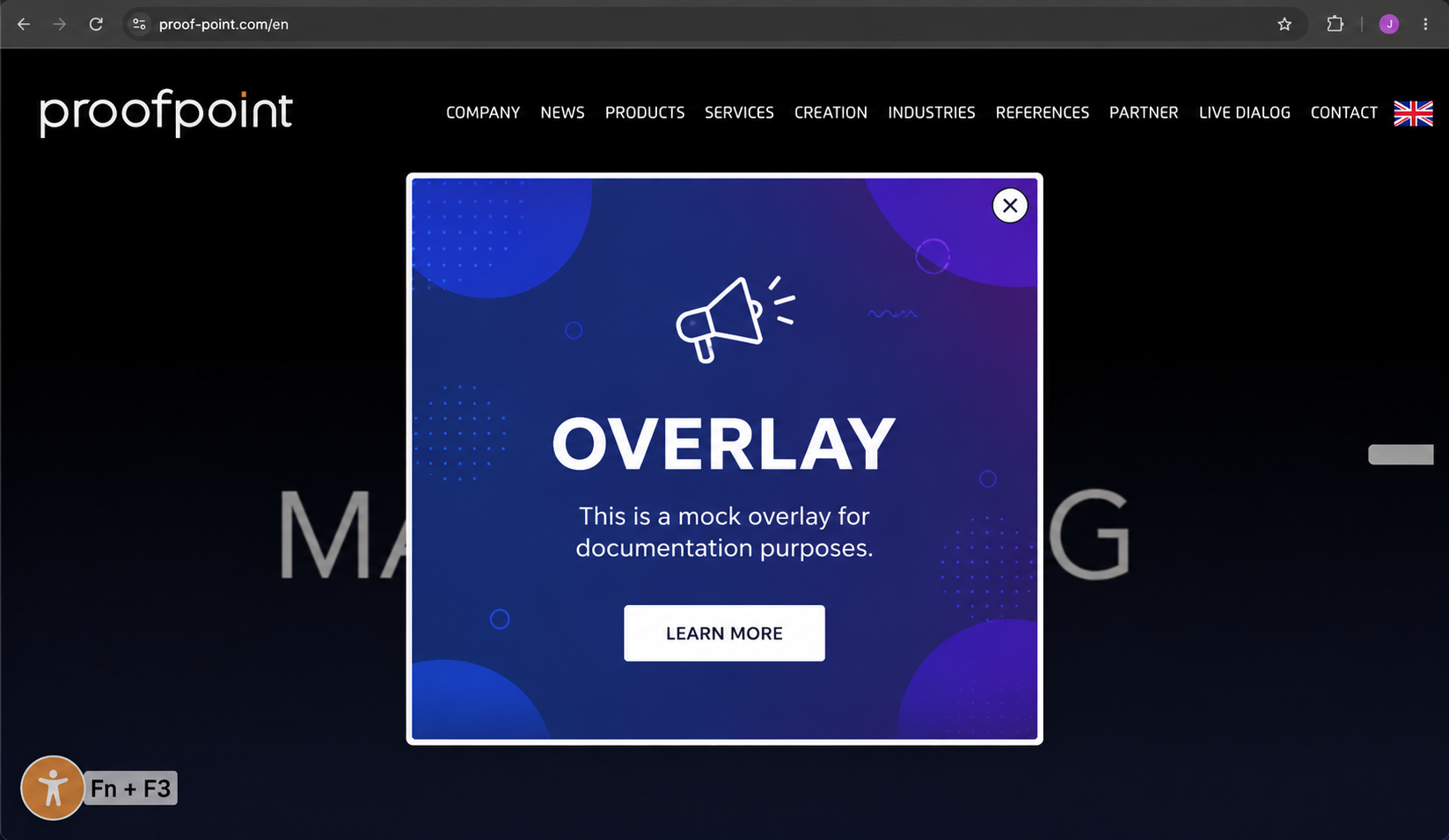
An example of site overlay on one of conida's template :
Create a New Overlay
Click Create New Overlay to open the overlay configuration window.
Configure the following settings before creating the overlay:
| Field | Description |
|---|---|
| Title | Enter a name to identify the overlay. This title is used for administration purposes only. |
| Pages to show the overlay | Select one or more pages where the overlay should be displayed. |
| Overlay Size | Defines the size of the overlay (for example, Small, Medium or Large). |
| Overlay Alignment | Determines where the overlay appears on the screen (for example, Center, Left or Right). |
| Display Trigger | Specifies when the overlay is displayed, such as immediately after the page loads or based on another trigger. |
| Start Time | Defines when the overlay becomes active. |
| Has Expiry Date | Enable this option to specify an end date after which the overlay will no longer be displayed. |
| Create Overlay Content | Select the content to display in the overlay, then click + Add to include it. Multiple content items can be added if required. |
After all required settings have been configured, click Submit to create the overlay.
- the end -