
Setting up Site Gallery
Overview
AThe website galleryGalleries ismodule aallows sectionAdmin orto pagecreate and manage media galleries for display on athe websitewebsite. designedA togallery showcasecan acontain collection of images, videos, or othermultiple media initems anand can be organized andusing visually appealing way. It’s commonly used for portfolios, e-commerce product displays, or visual storytelling.categories.
In conida website system, galleryGallery is part of ourthe website's default system page.pages. The system provides two standard gallery page types:
It
| System Page | Description |
|---|---|
| /gallery | Displays an overview of
|
| /gallery/:id | Displays |
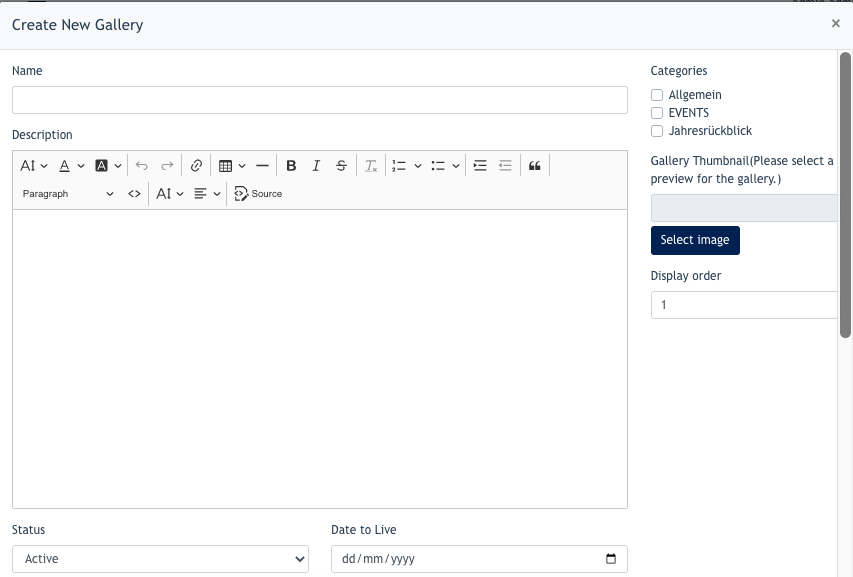
When a gallery is created, Admin can configure its general information, assign categories, add gallery content, select a thumbnail image, and define its display order.
The actual appearance of the gallery on the Live Site depends on the website design and configuration.
Example: Standard Gallery individual page. The System will automatically generate a unique id for every gallery.
An example of our standard gallery viewOverview ( :/gallery)gallery)

An example of gallery individual page (/gallery/:id)


Setting1. upCreate a Gallery
Go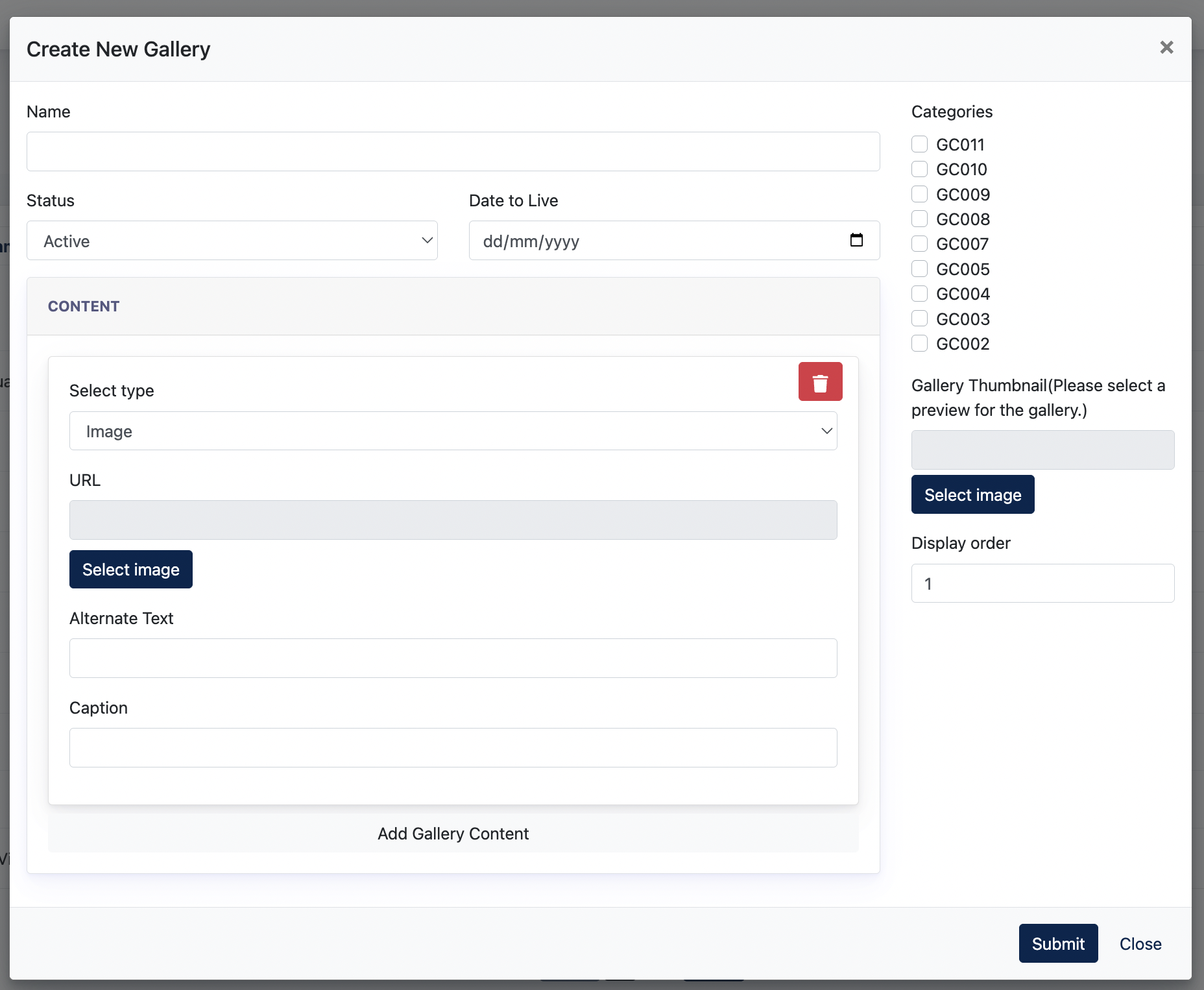
To create a new gallery, navigate to :Galleries and click Gallery → All Gallery
Click on "Create New Gallery"

The Create New Gallery window contains the following modal will appear :settings:
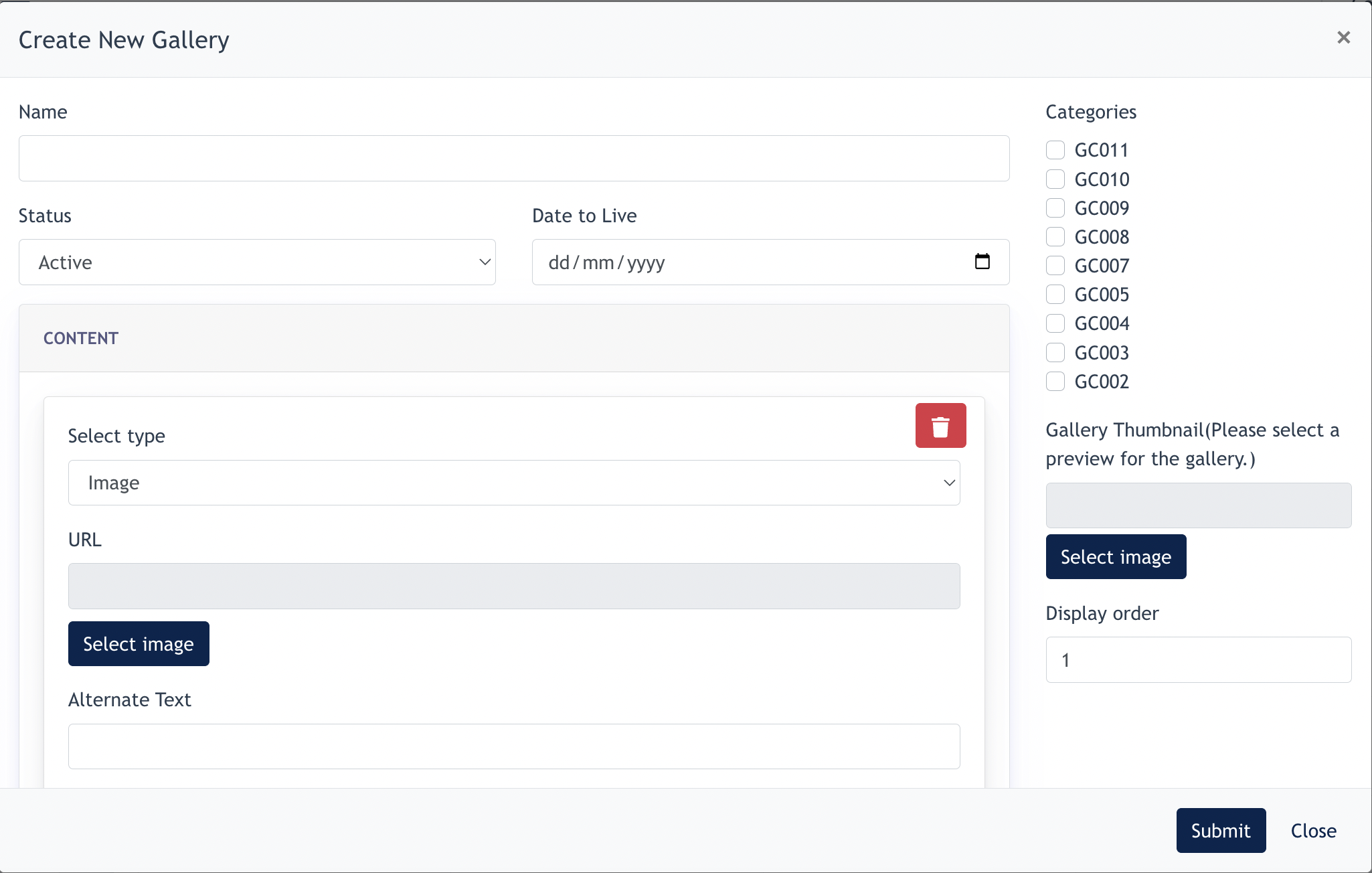
Remarks:
1.1 Create Gallery Content
Under Content, Admin can add the individual media items that belong to the gallery.
| Setting | Description |
|---|---|
| Select Type | Select the type of content to be added to the gallery. |
| URL / Select Image | Select or provide the media to be used for the |
Enter
|
|
| Caption | Enter
|
| Add Gallery |
Adds |
| Delete | Removes the respective content item from the gallery. |
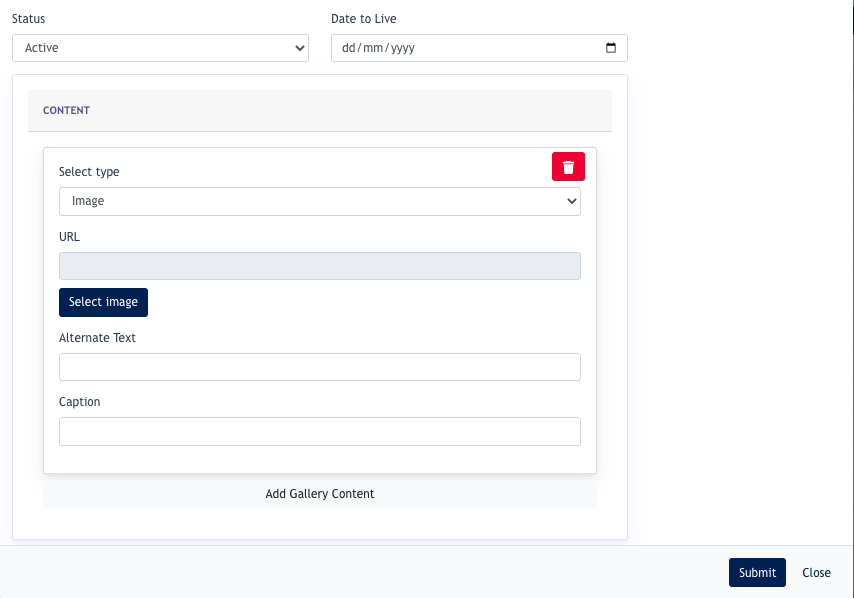
After allcompleting imagesthe /gallery videosconfiguration areand added,adding the required content, click [ Submit ] to savecreate thisthe Gallery.gallery.
2. Setting up CategoriesCatogories
Click on "Create New Category"
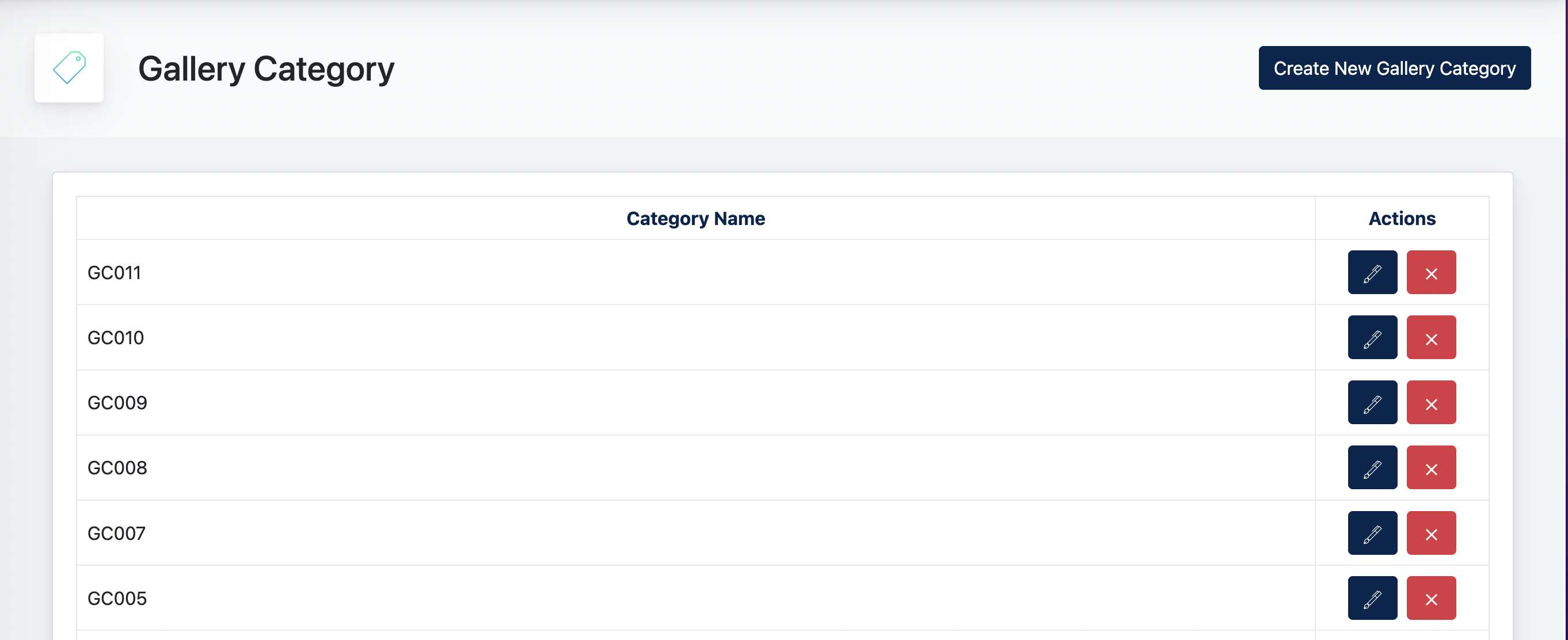
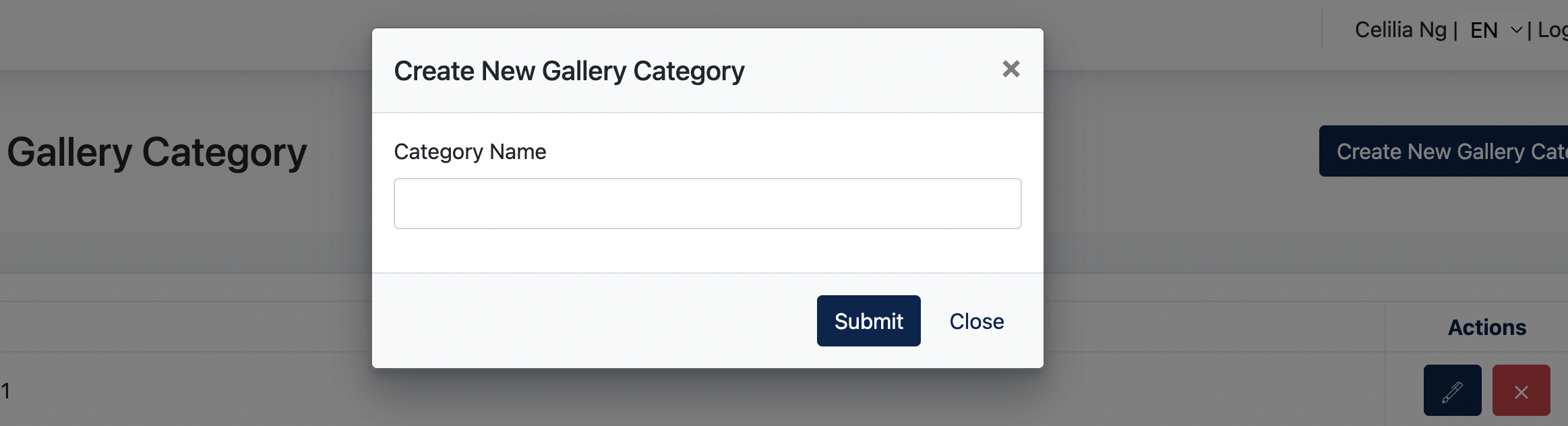
UserGallery mayCategories addare newused categoryto viaorganize fillinggalleries upinto different groups.
To create a category:
Existing categories can be edited or deleted from the category.Gallery Category listing.
Once created, the category is available for selection when creating or editing a gallery.
- the end -