
Enquiries
Overview
The Enquiries feature allows Admin to view and manage enquiries submitted through contact forms in the Member Area.
Enquiries can be submitted from two sources:
|
Enquiry Source |
Description |
|---|---|
|
Contact page |
General enquiries submitted through the Help & Contact page in the Member Area. |
|
Program page |
Enquiries submitted through the contact form on a Programme Details page. |
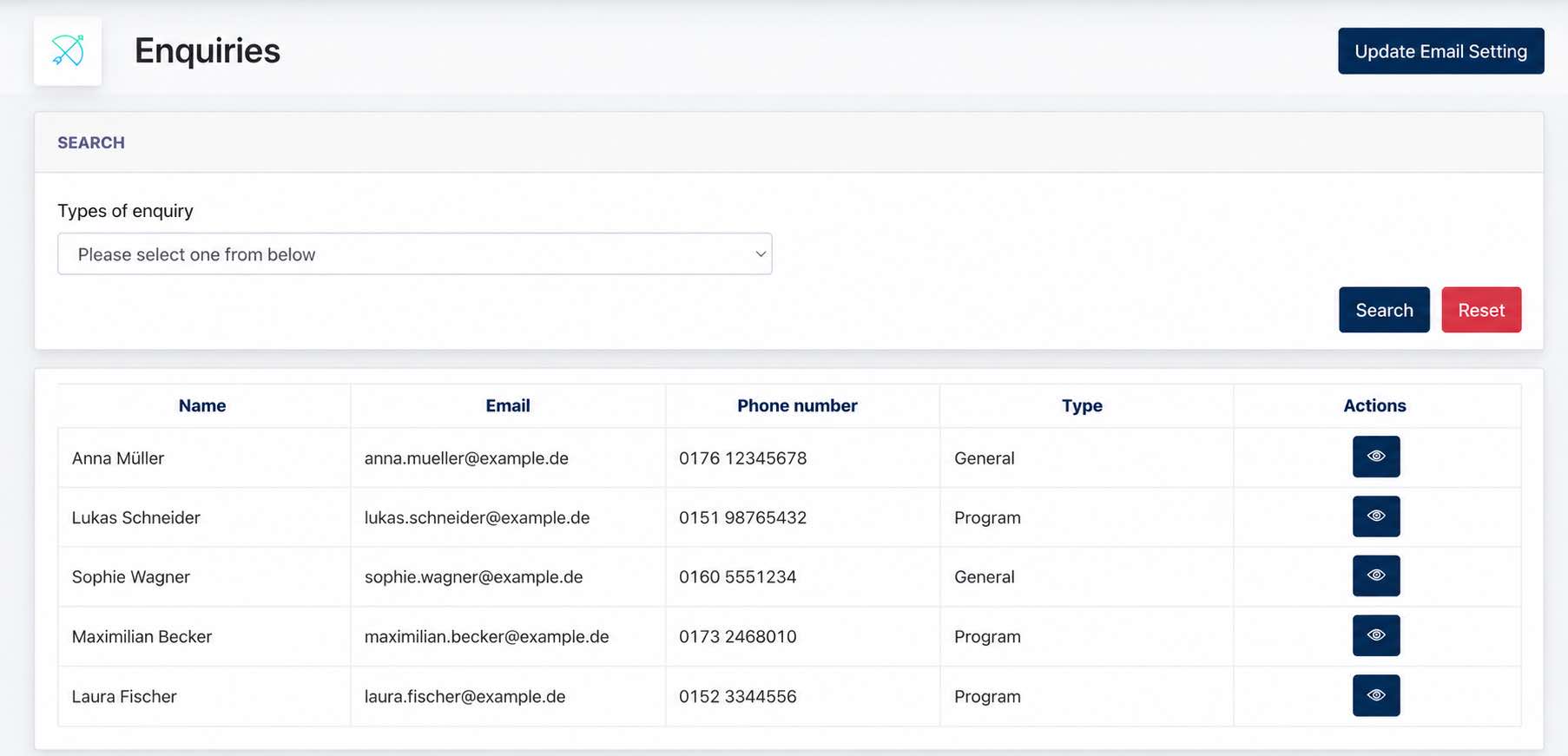
All submitted enquiries are recorded in the Enquiries listing, allowing Admin to review the sender's contact information, enquiry type, and submitted message.
Email Settings
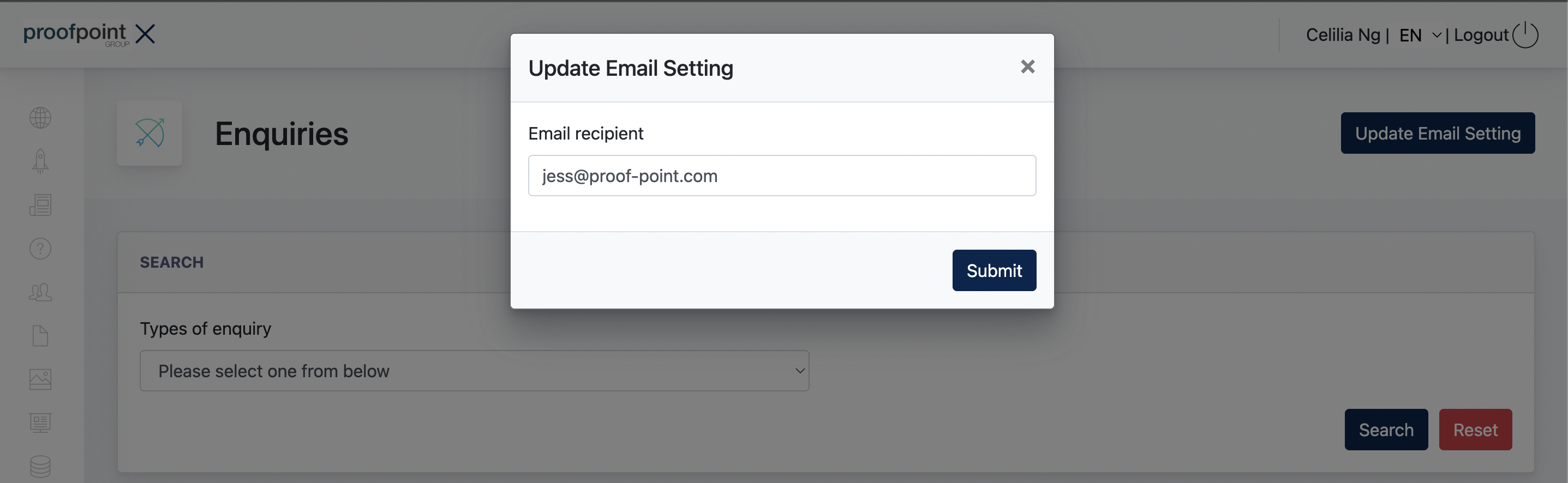
The Update Email Setting option allows Admin to configure the email address that receives Member Area enquiries.
When a user submits a contact form, the system automatically:
Records the enquiry in the Enquiries listing.
Sends an email containing the submitted enquiry details and message to the configured Admin email address.
This allows Admin to receive enquiry notifications by email while keeping a record of all submissions within the system.
- the end -