
Introduction
The Member Area is a subscription-based online portal that provides gym members with access to fitness-related content, programmes, courses, and other digital services provided by their fitness centre.
Members are required to log in to access the Member Area. This allows members to access relevant fitness content and services online, even when they are not physically at the gym.
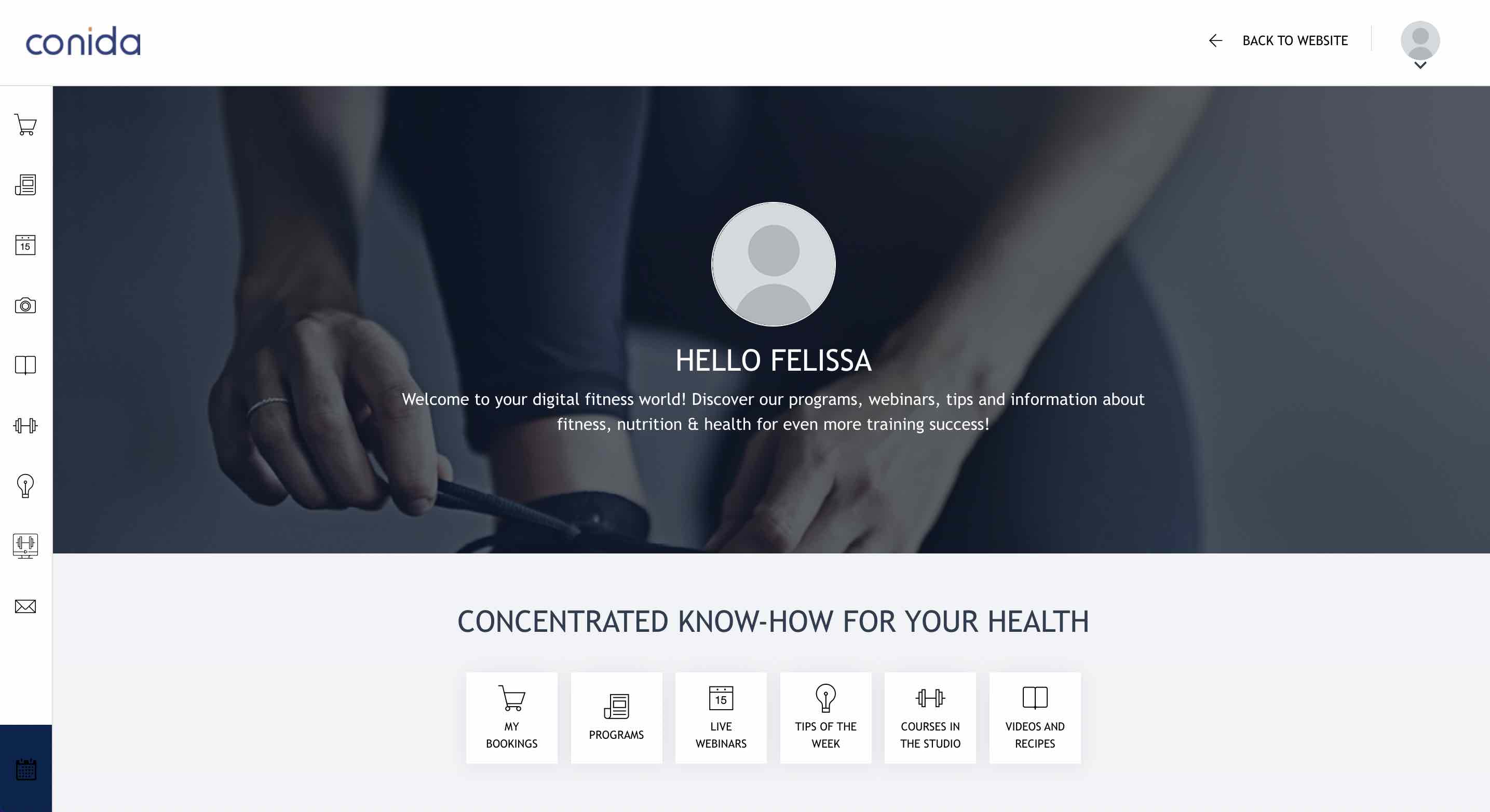
Member Area Modules
The Member Area consists of several modules that provide different types of content and services to members.
| Module | Description |
|---|---|
| Tips | Provides members with fitness-related tips and content published by the centre. |
| Programmes | Provides members with access to available fitness programmes. |
| Knowledge | Provides members with articles and informational content created by Admin. |
| Knowledge (Custom Menu) | Allows Admin to create additional Knowledge menu items and organise Knowledge articles under different topics or categories. |
| Courses in the Studio | Provides members with access to information about courses offered at the studio. |
| INJOY@home | Provides members with access to INJOY@home content and services. |
| My Bookings | Allows members to view and manage their bookings. |
| Help & Contact | Provides members with help and contact information. |
| Online Coaching | Provides members with access to online coaching services. |
Note: The modules displayed in the Member Area navigation can be configured by Admin. Admin can enable or disable individual menu items and adjust their display order. Up to six menu items can also be configured to appear as navigation icons.
Who Can Access the Member Area?
Access to the Member Area is available to registered users with the appropriate access rights. Depending on the centre's configuration, the following user types can log in:
| User Type | Description |
|---|---|
| Members | Regular members of the fitness centre with an active membership. |
| Trial Members | Users who have registered for a trial membership and are given temporary access to the Member Area. |
| Program Participants | Users who participate in a specific programme offered by the fitness centre and receive access to the relevant Member Area content. |
| Experts | Trainers, coaches, or other authorised experts who use the Member Area to provide or manage content and services for members. |
Users must log in with their registered account to access the Member Area and its available content and services.
1. Create Member
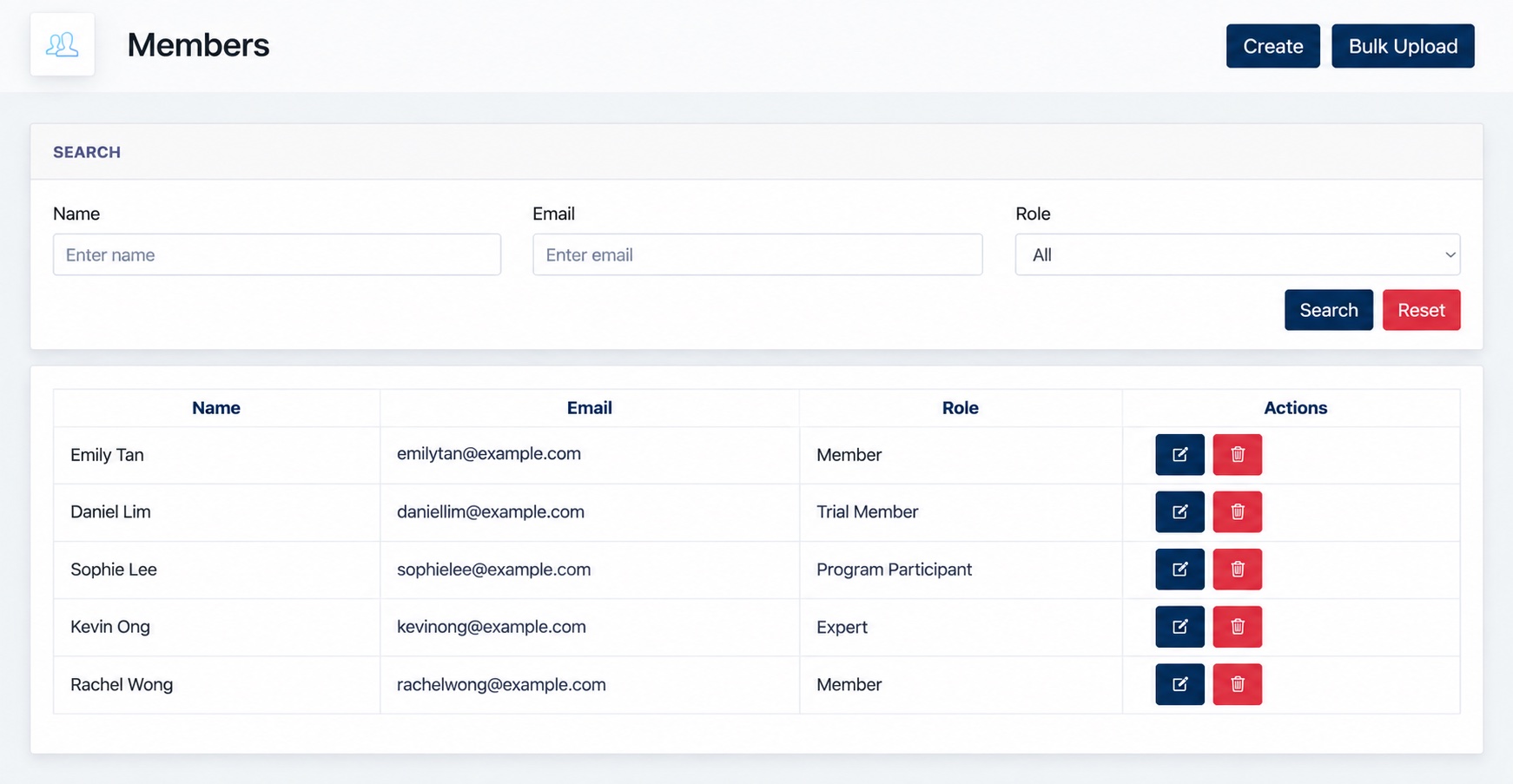
Admin can create a Member Area user manually by clicking Create on the Members page.
Enter the required user information and select the appropriate Role.
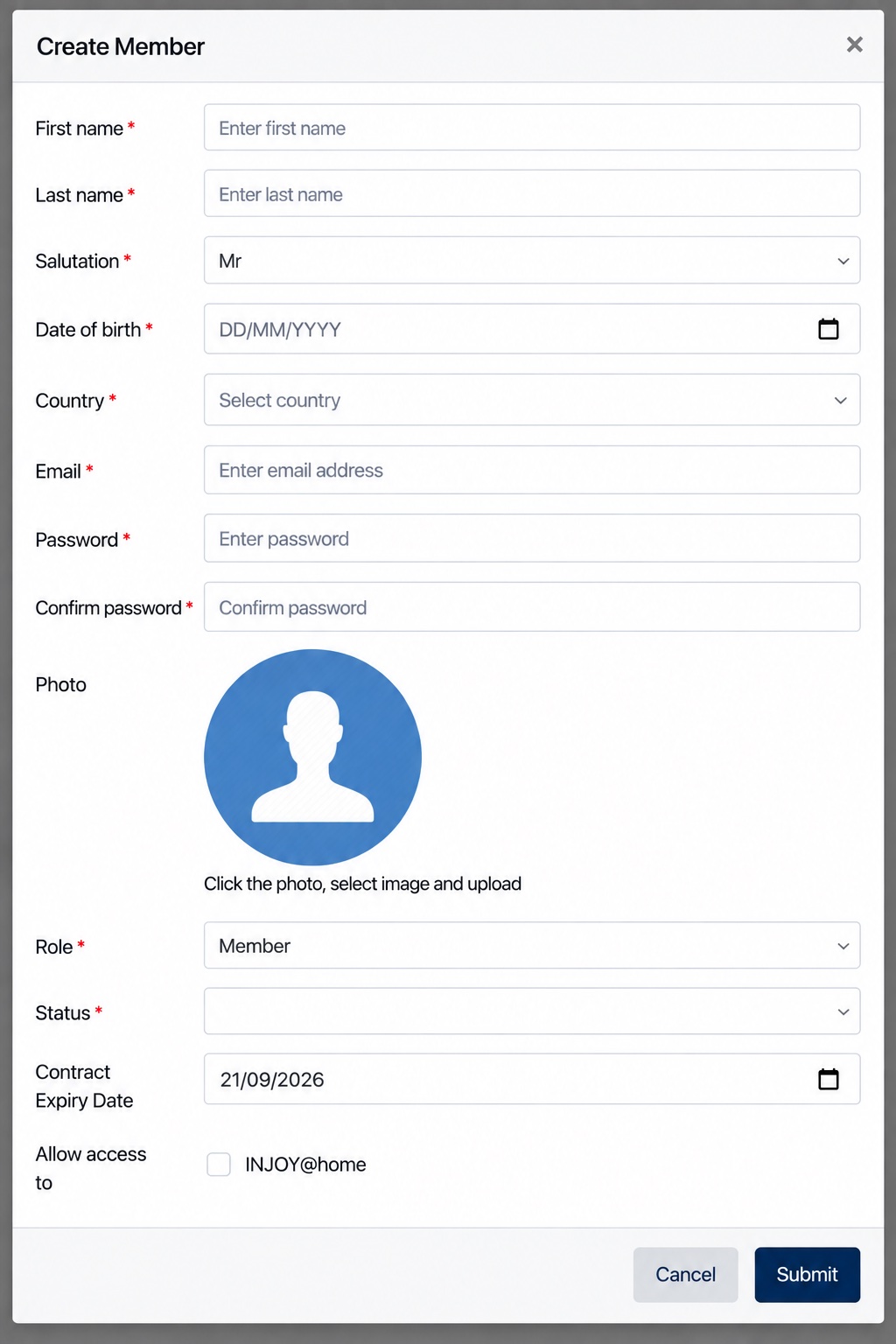
Admin can also configure the user's Status, Contract Expiry Date, and, where applicable, allow access to INJOY@home.
Click Submit to create the user.
Other Ways to Join the Member Area
In addition to being created manually by Admin, users can also join the Member Area through the Online Shop. When a user purchases or joins a membership package, the corresponding Member Area role is assigned based on the configuration of the selected package. This determines whether the user joins as a Member, Trial Member, or Program Participant.
Existing Members can also invite friends to access the Member Area. Users who join through an invitation are granted temporary access to the Member Area as Trial Members.